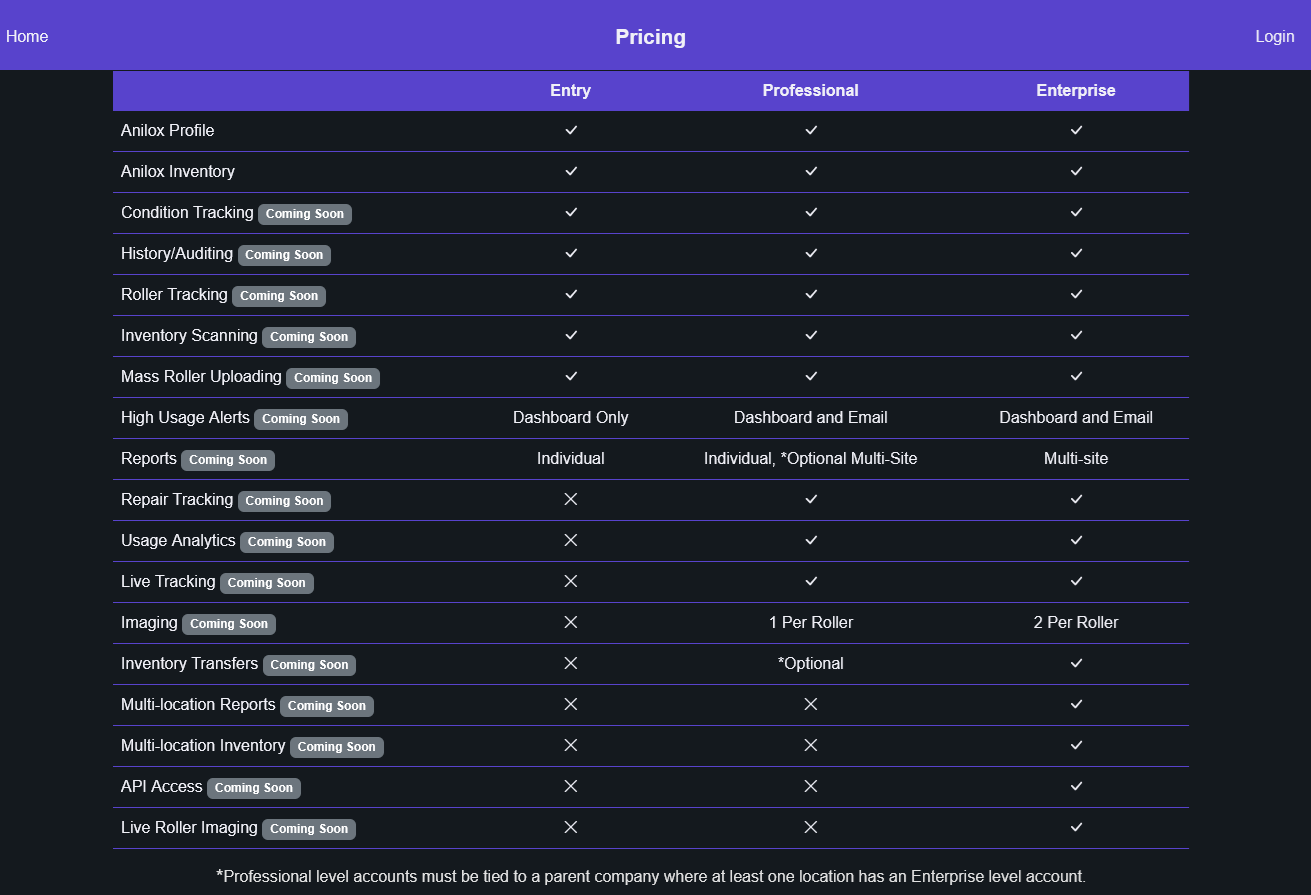
Theme and Inventory Updates


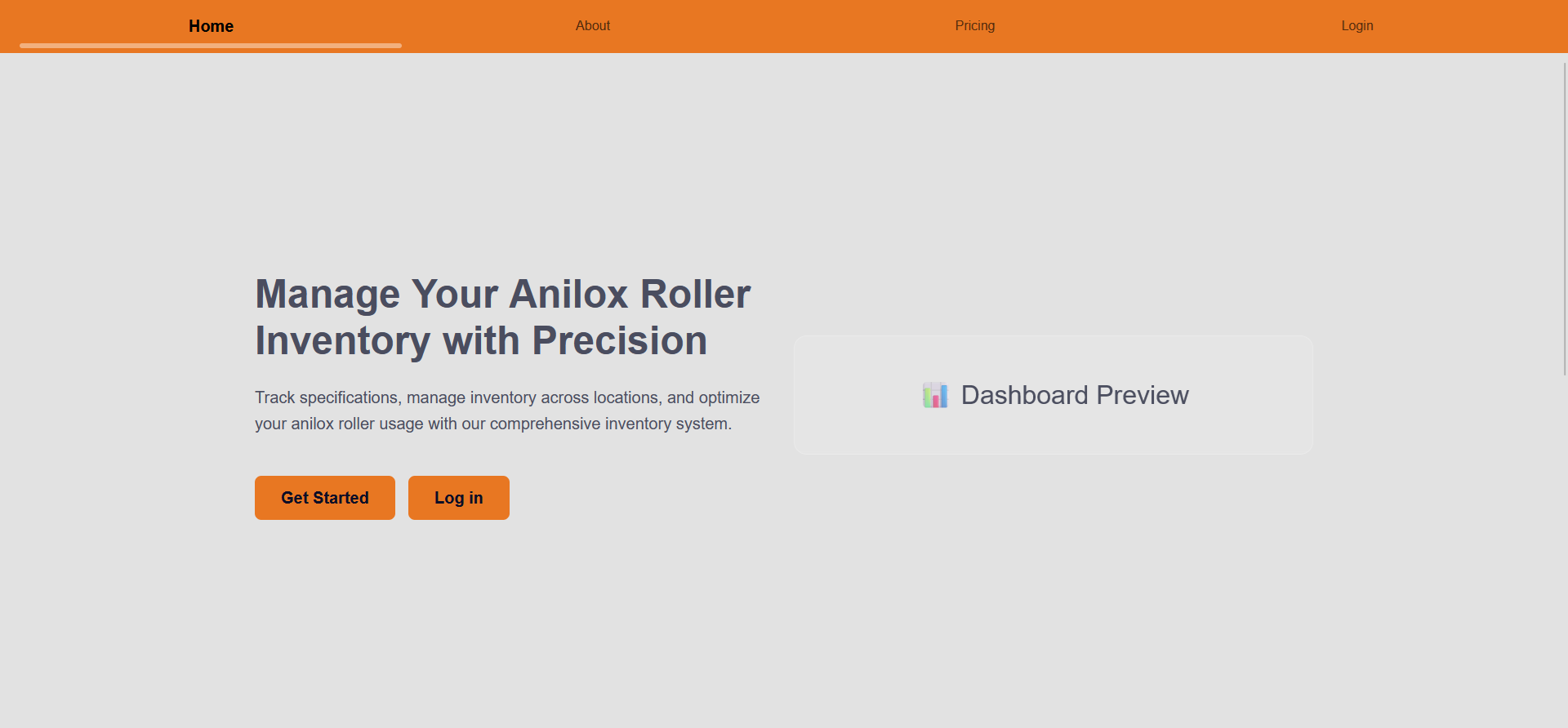
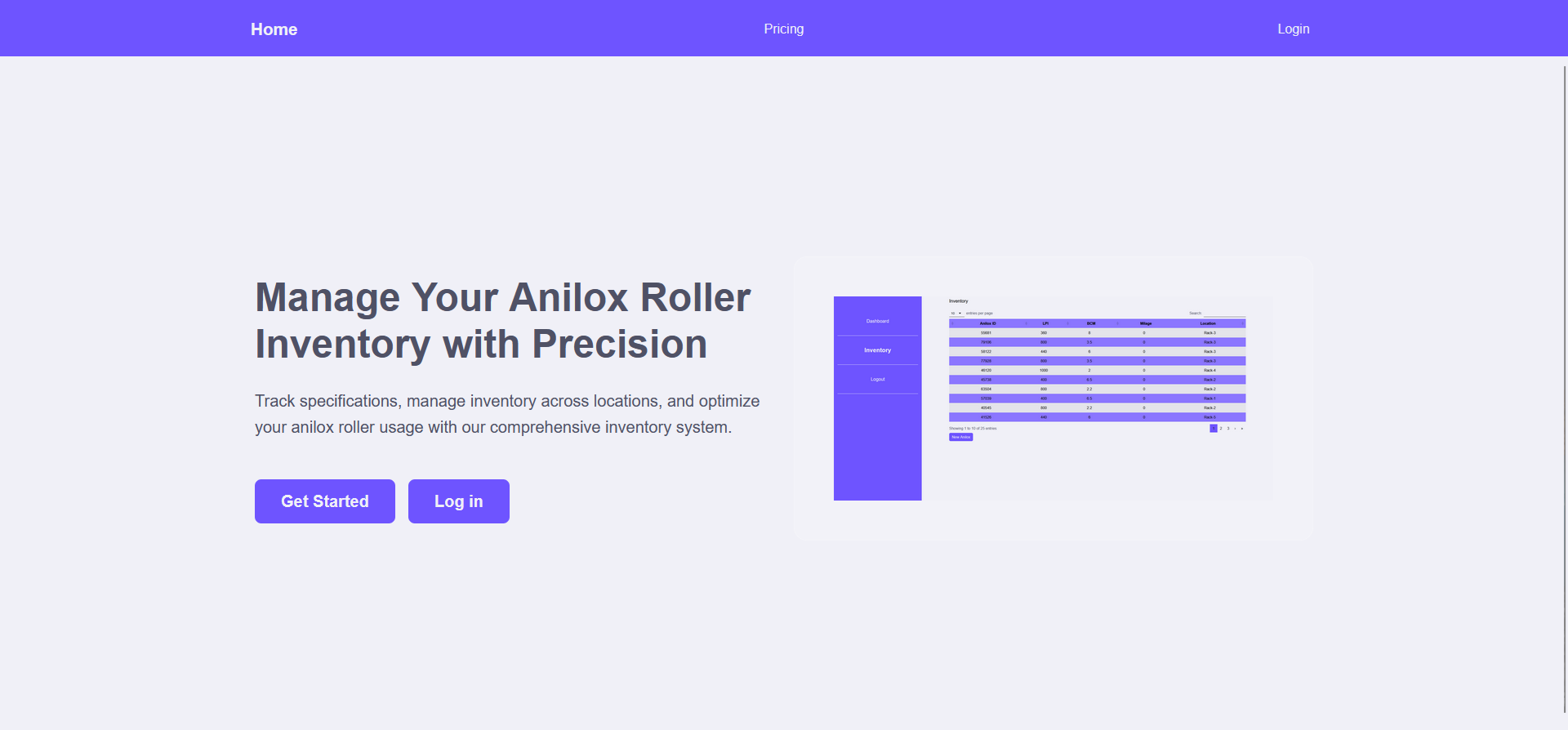
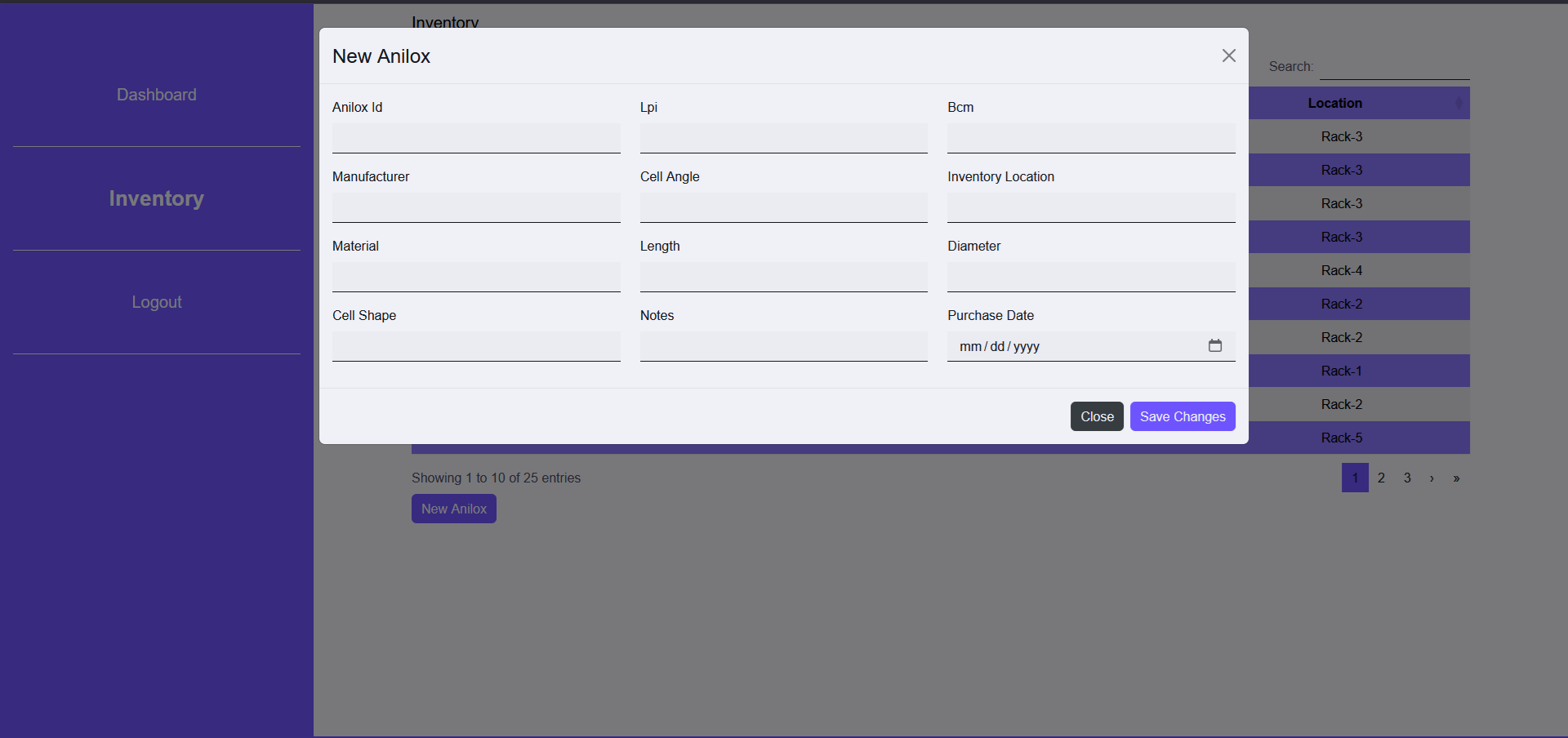
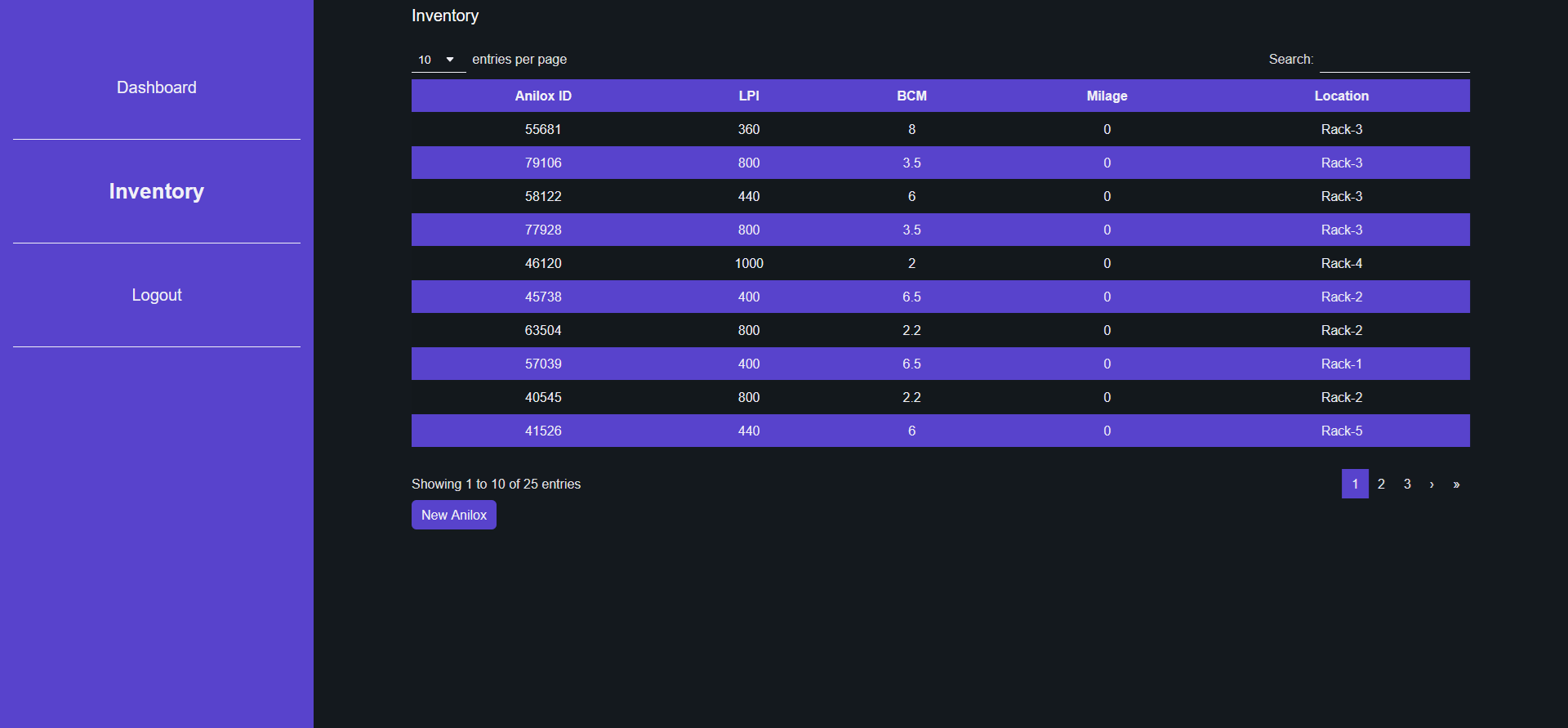
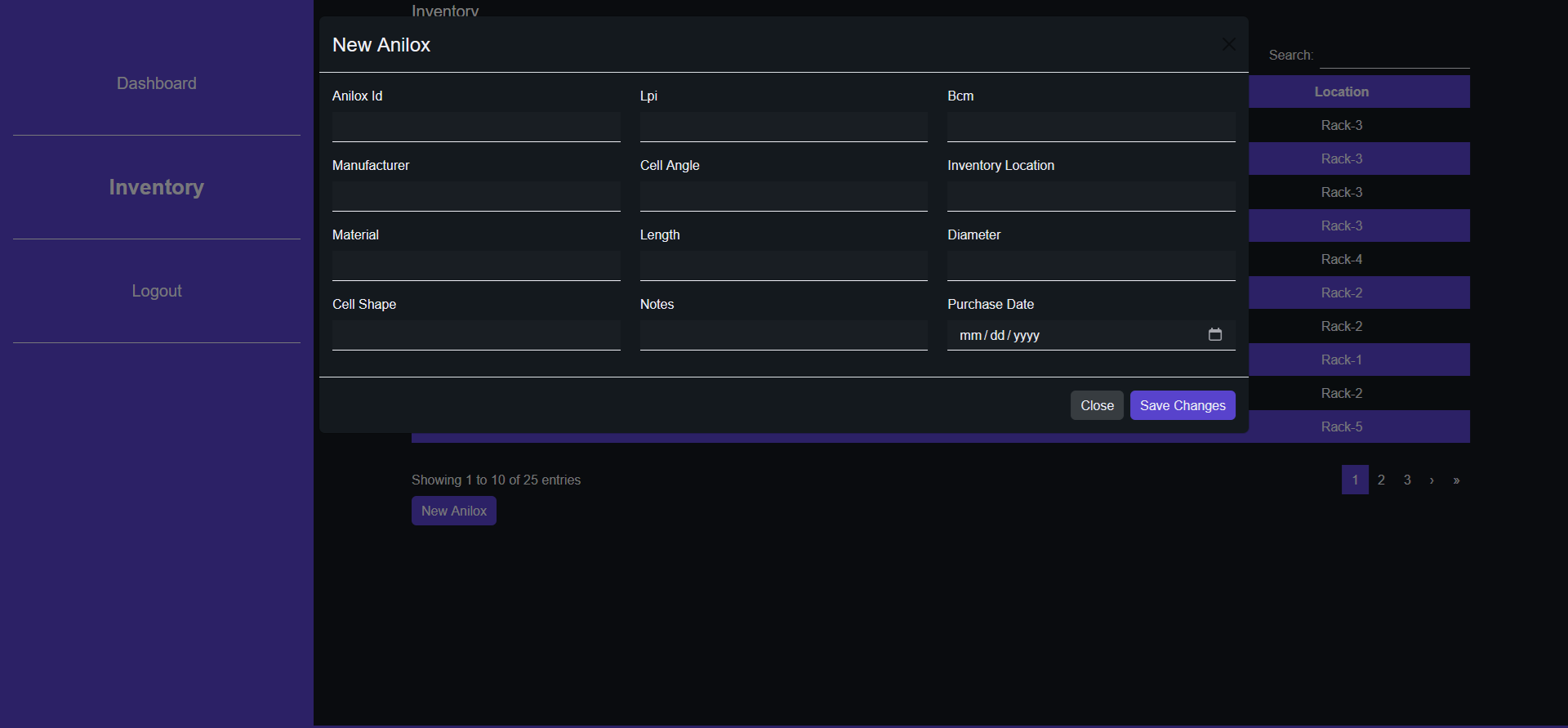
Originally I planned on having an orange light theme and blue dark mode theme. Along the way of making the inventory dashboard, I decided to settle on my favorite color: purple! Here is also a peak into what has been completely and is being flushed out currently. Instead of going back and forth between a warm light theme and a cool dark theme, Anitrac now features a solid purple theme with a cool white for the light mode and a rich charcoal for the dark.
Inventory Dashboard
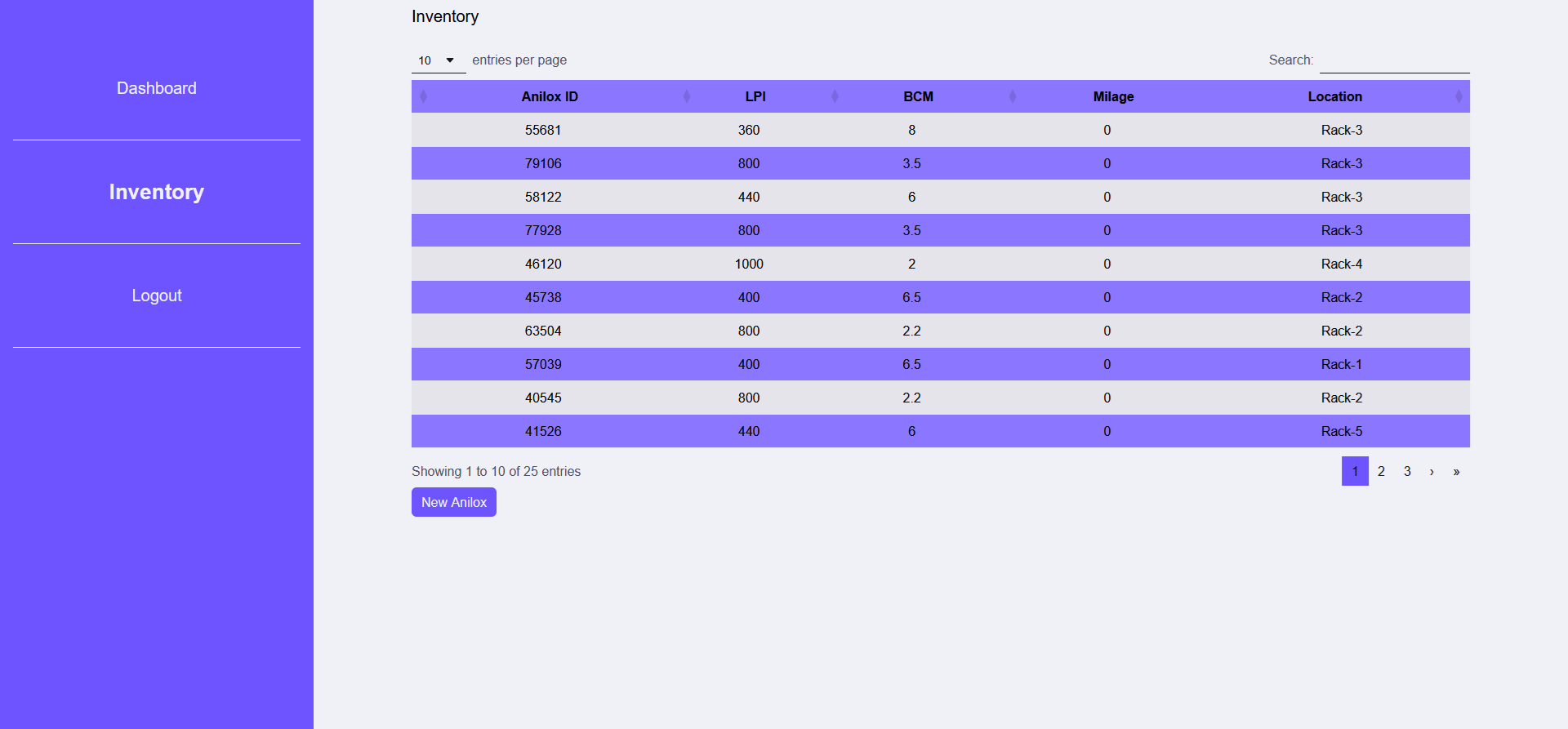
The inventory dashboard is the central hub for inventory management. From here, users can use the smart search in the top right hand corner to easily find specific rollers, all rollers of a specific size or in a specific location. The table is adjustable to display 10, 25, 50 or 100 records per page. New anilox can be added directly from the dashboard using the New Anilox button that enables a modal overlay.
Anilox Profile
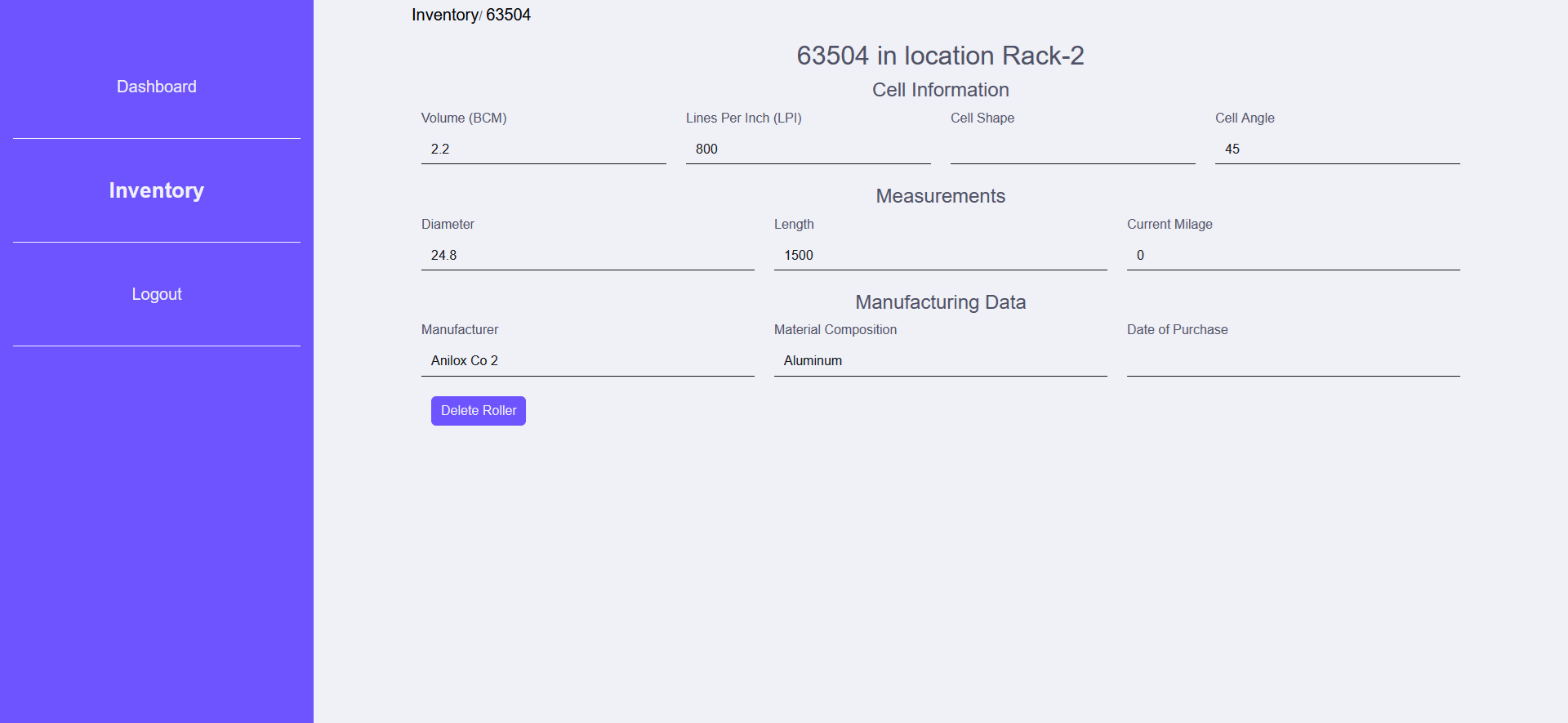
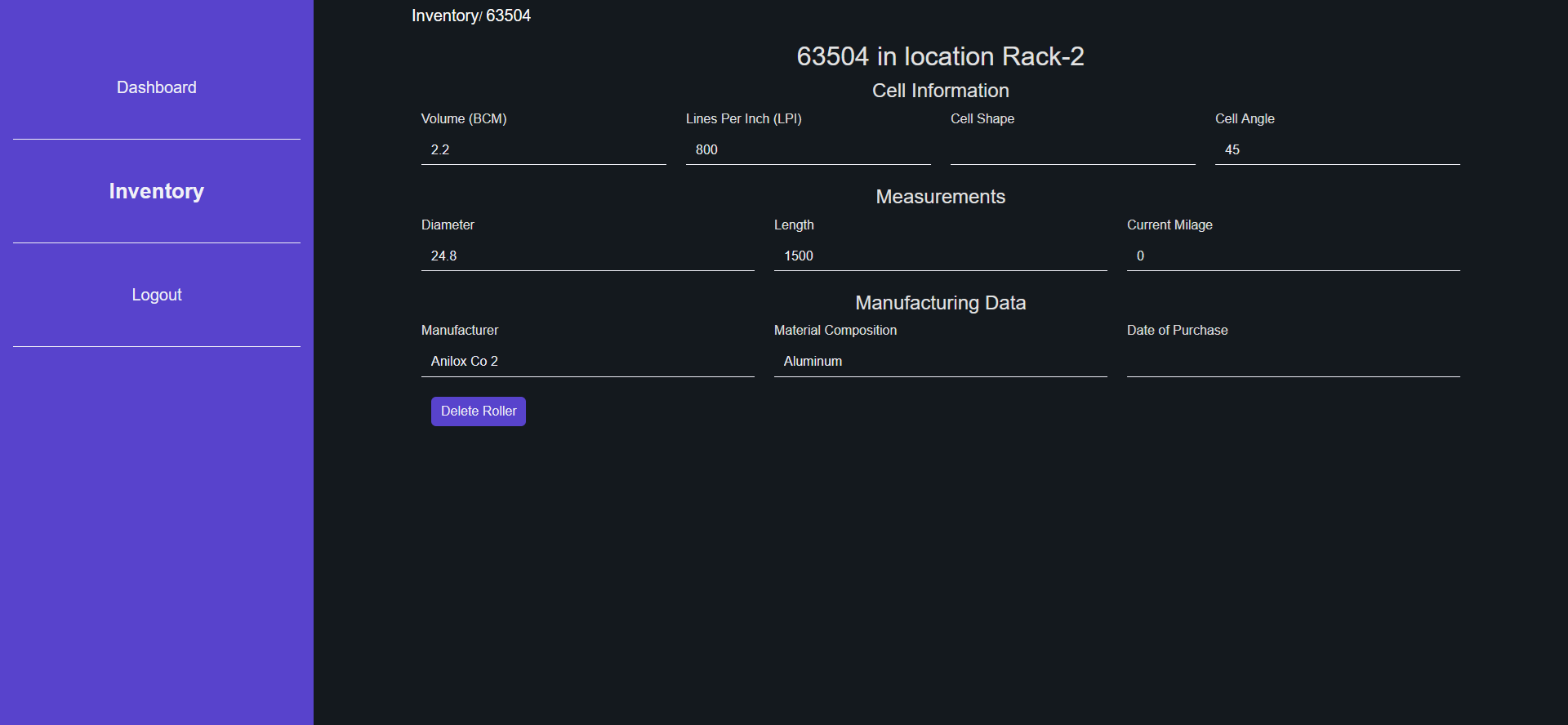
Each anilox can be viewed in full details within the anilox profile report. These reports are currently immutable and cannot be changed. Some details can/will be editable in the future, but from different areas within the software e.g. location and mileage.
Feature Roadmap
There are a lot of features planned. As of now, the goal is to complete 2-3 features before working on getting a stable release. Currently, a lot of work has been done to provide checks and balances for ensuring all aspects of the software remain functional and can be easily traced back to the root issue when they popup. Multiple internal audits have been preformed to ensure security and quality. I have also taken time to properly learn required software and workflows e.g. SMTP for the email reporting feature and self-service signup/password reset.